
AnyDesk is a remote assistance tool that allows the university IT support to directly help resolve issues on your device. These instructions are intended for students of Alma Mater University and enable quick and safe use of the service.
The IT coordinator connects to your computer after you share the unique AnyDesk ID. During the session, you can see everything happening on the screen and can disconnect at any time. The tool is fast, secure and reliable.
1. Install the Anydesk program (download) and launch it.
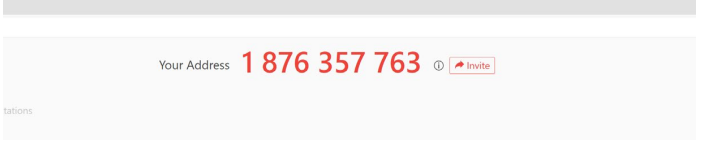
2. Send the data (ADDRESS ID) to the email of the IT coordinator at your location or to support@almamater.si.
Example of a sent connection ID:

Was this article helpful?
Thanks for your feedback!