
Step-by-step instructions
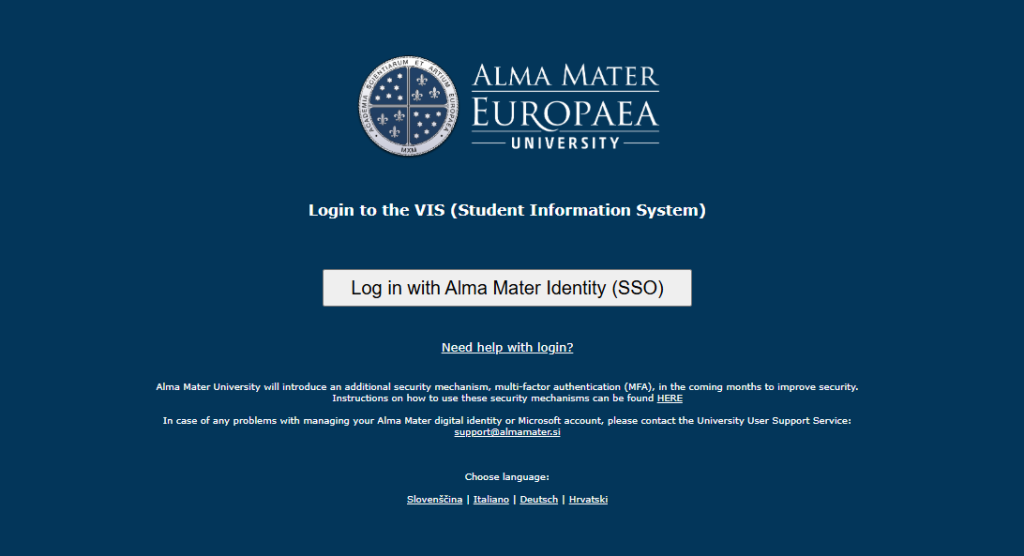
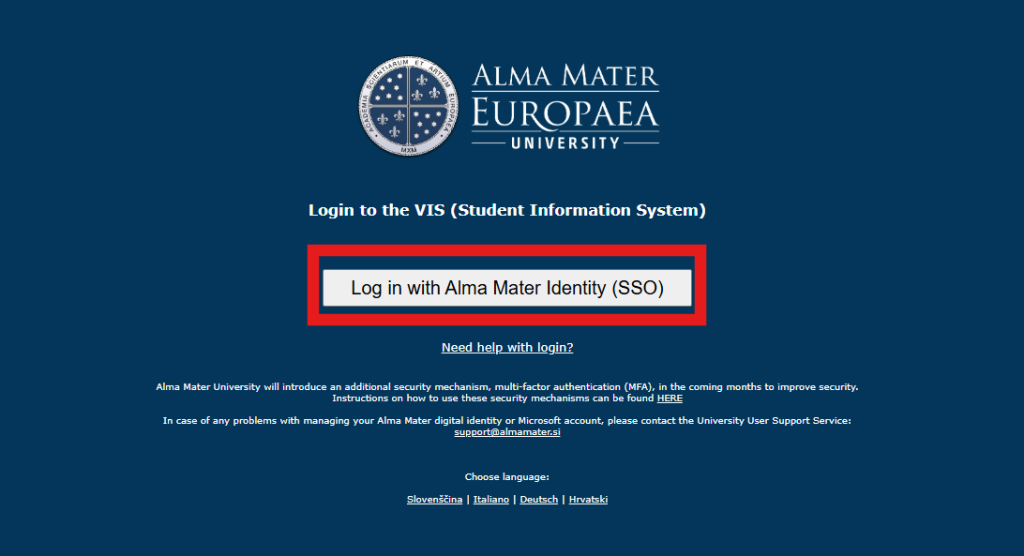
Sign in with Alma Mater Identity
Select »Sign in with Alma Mater Identity (SSO)«.
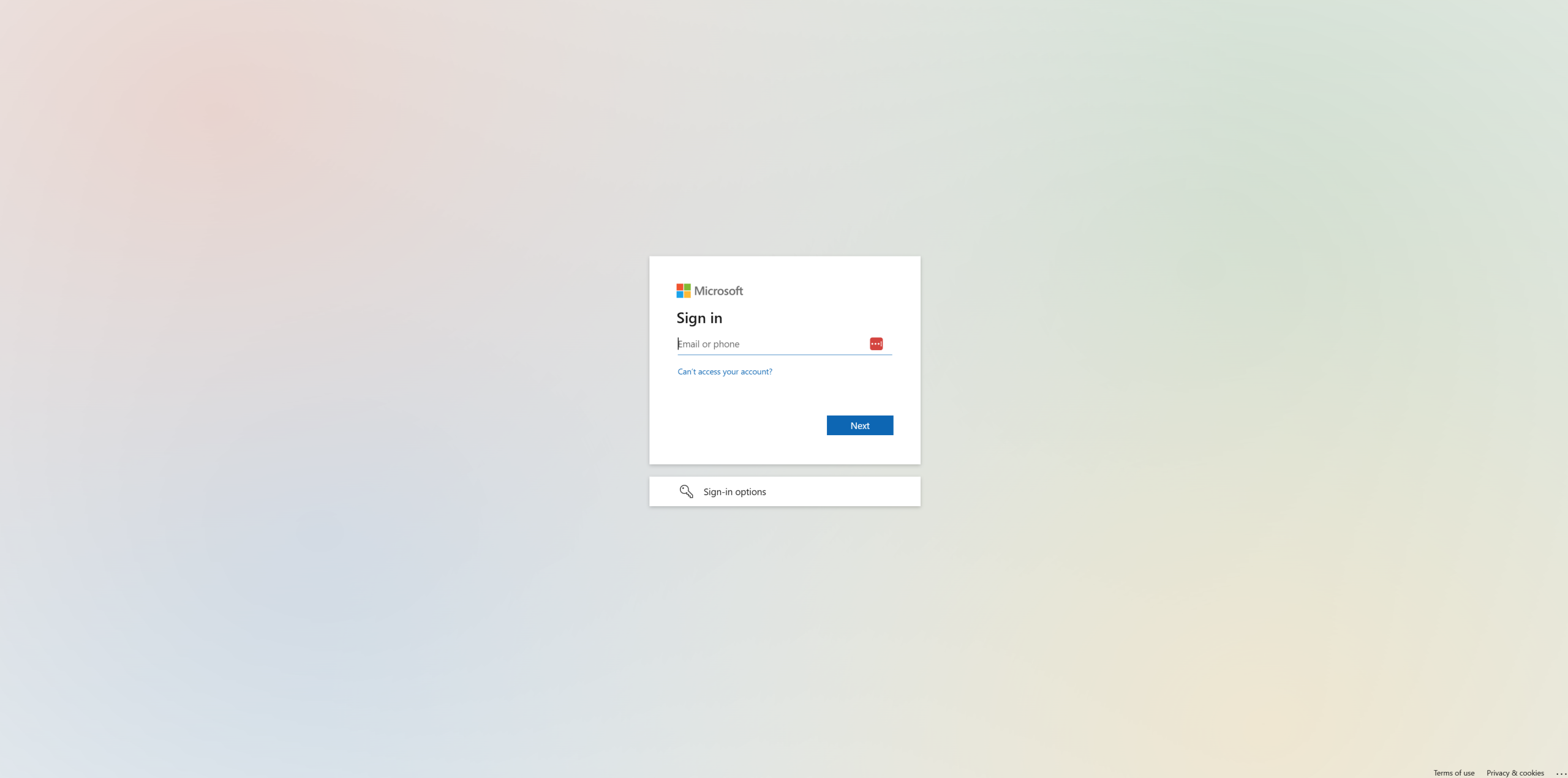
Enter your username and password
Sign in with your @almamater.si username and temporary password.
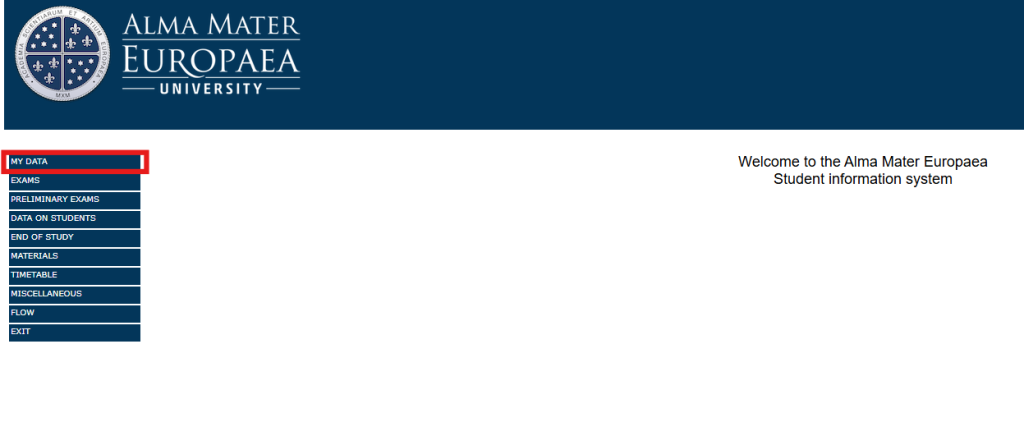
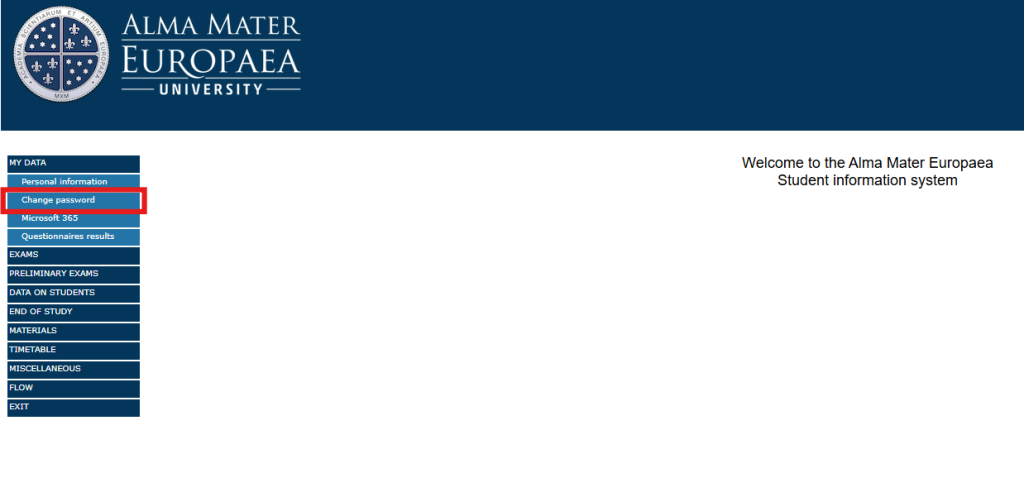
Open »My data«
Click »My data«.
Change password
Click »Change password«.
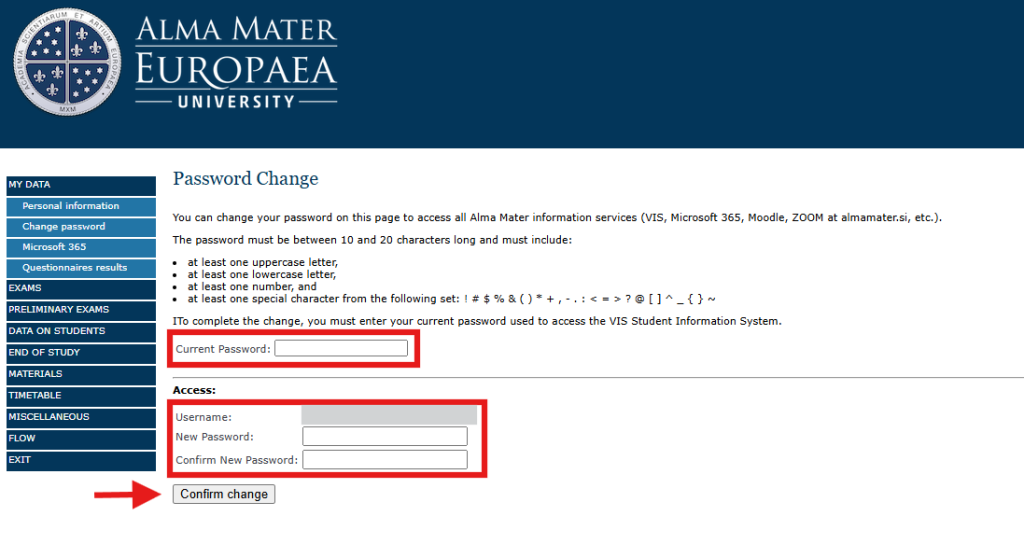
Enter a new password
Fill in the current password field, enter your new password, comfirm new password and click »Confirm change«.
Was this article helpful?
Thanks for your feedback!