
Step-by-step instructions
Open FLOW
Go to FLOW and sign in with SSO.
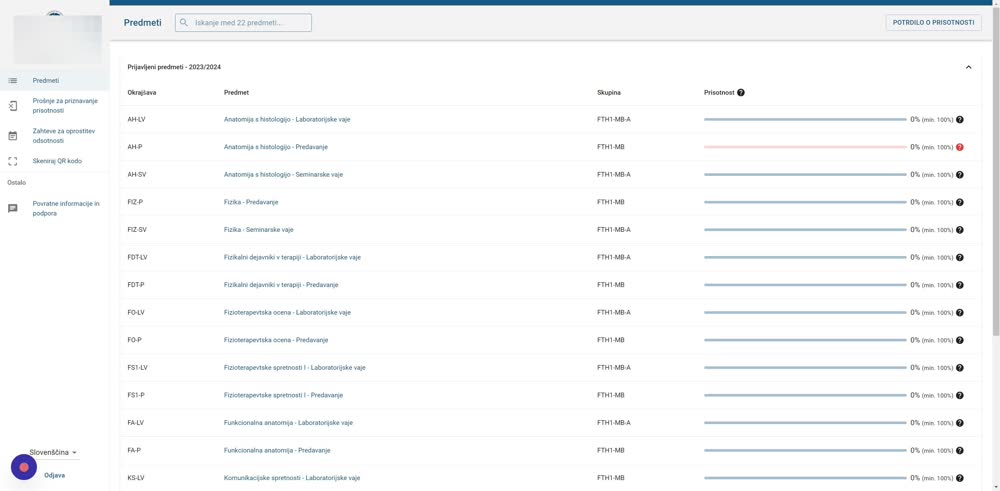
Select the activity
In FLOW, select the activity for which you want to submit an attendance request and a summary.
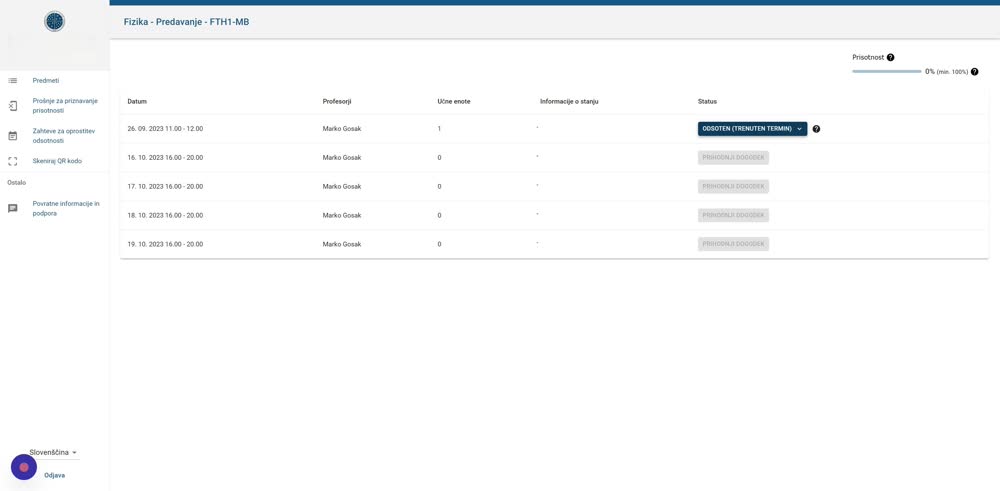
Open the current session
Click »Absent (current session)«.
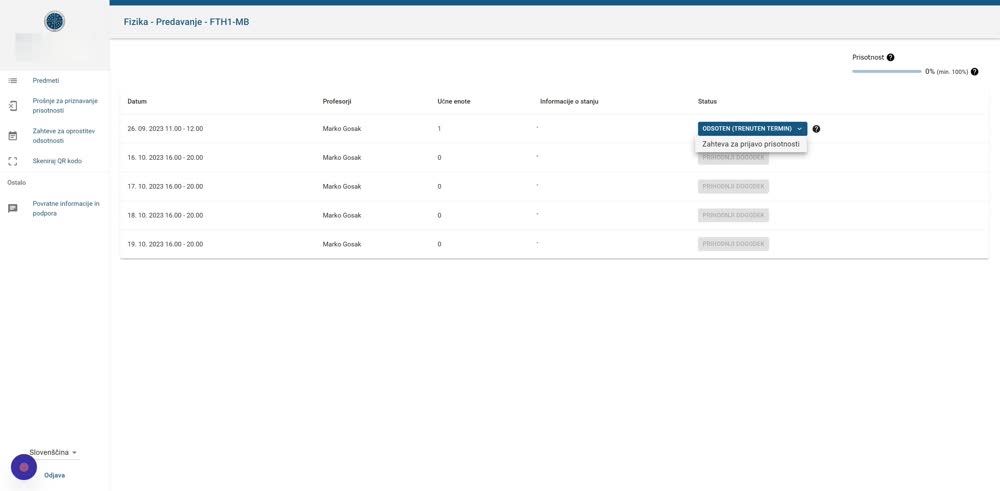
Attendance request
Click »Attendance request«.
Open the summary generator
In the FLOW form, select the PDF lecture summary generator: forms.almamater.si/povzetek.
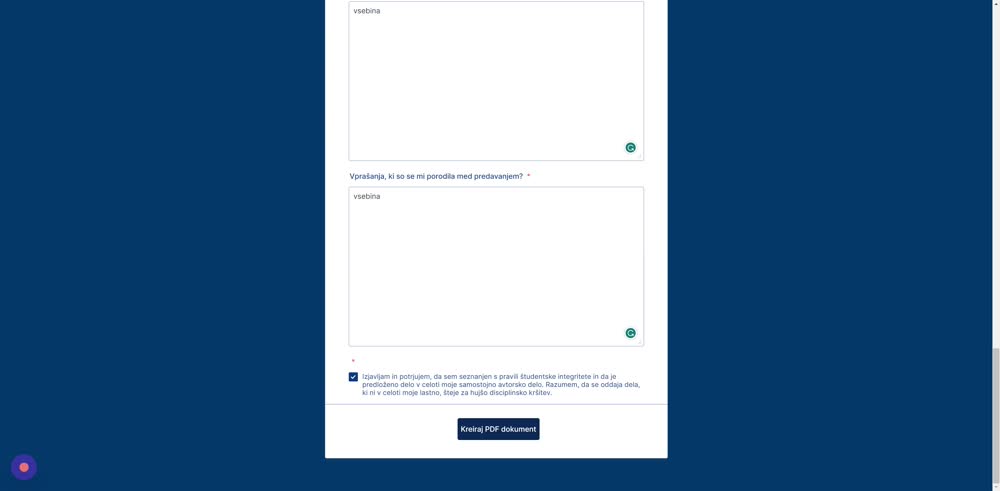
Fill in the summary form
Fill in the PDF lecture summary form and click »Create PDF document«.
Download the PDF
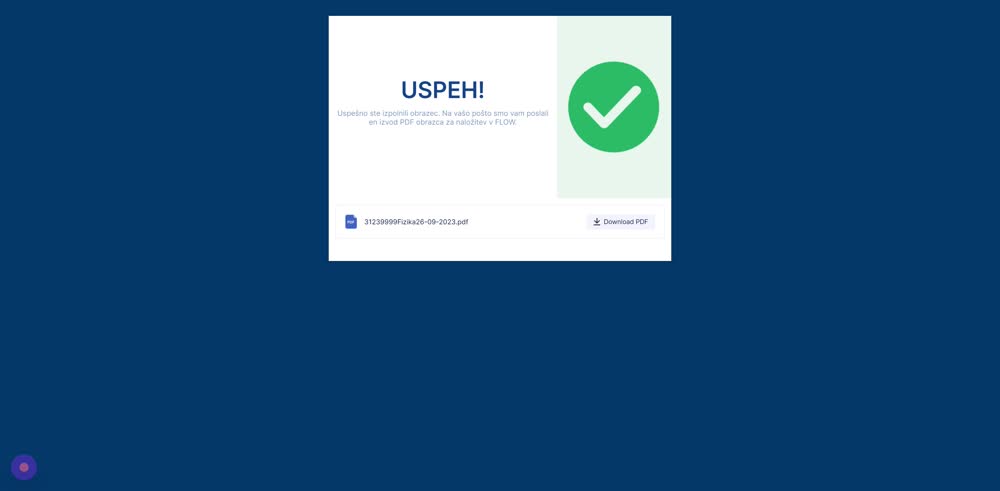
On the confirmation message, click »Download PDF«. You will also receive the PDF document by email.
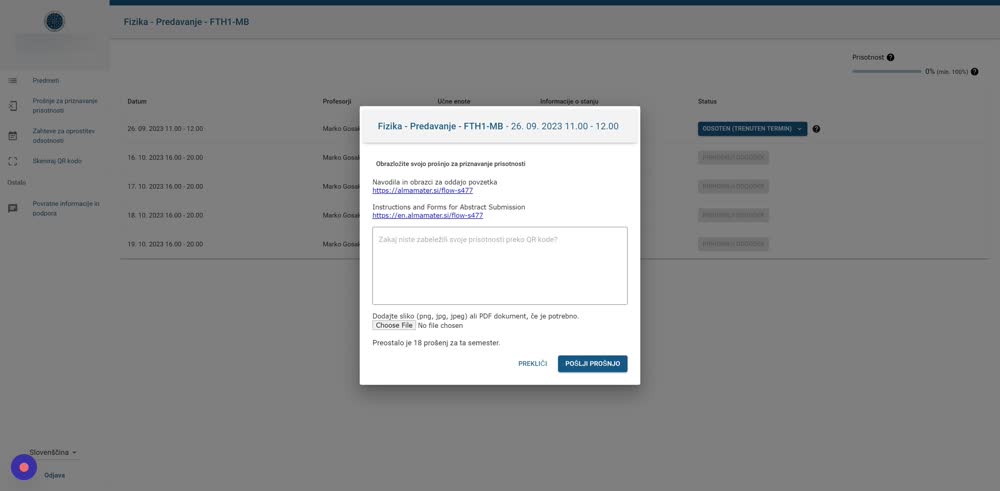
State the reason
In the FLOW form, state the reason why you did not record your attendance via the QR code.
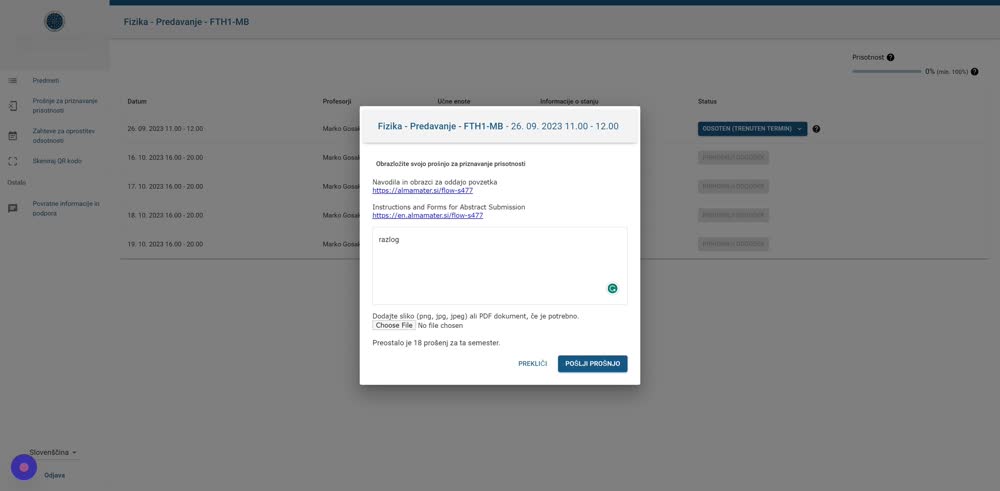
Upload the summary
Upload the summary PDF to the upload field.
Submit the request
Click »Submit request«.
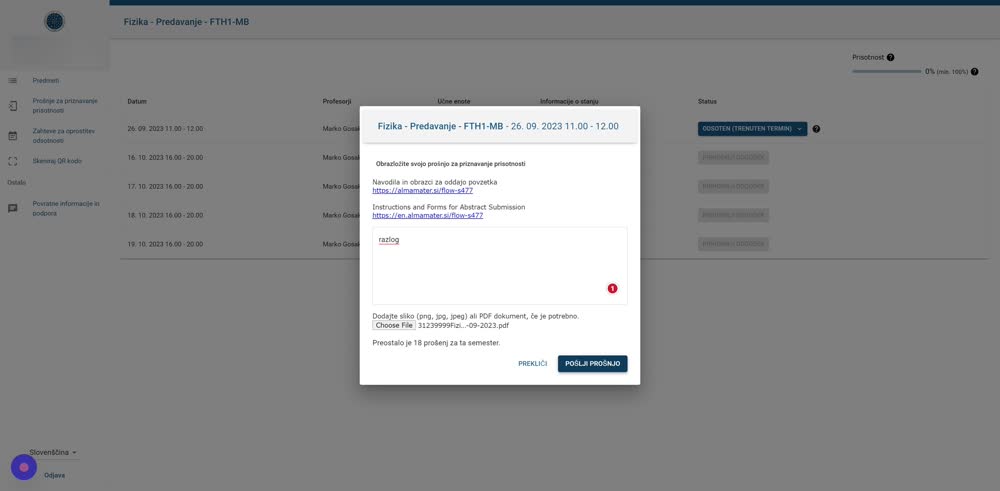
Success! You have successfully submitted your attendance recognition request.
Was this article helpful?
Thanks for your feedback!