
Step-by-step instructions

Fill in the form
Fill in the form.

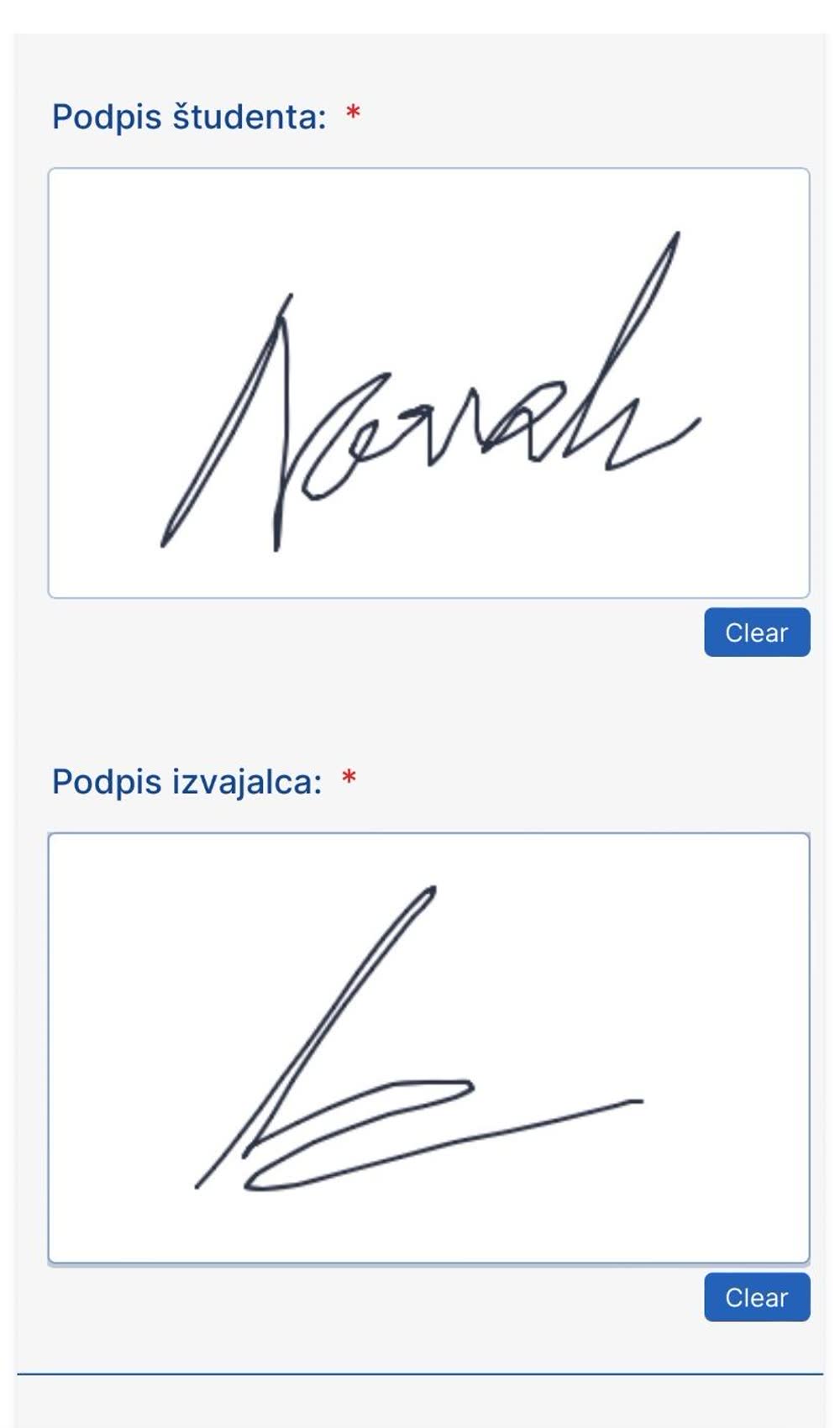
Signatures
Sign in the student signature field. The instructor should sign in the instructor signature field.
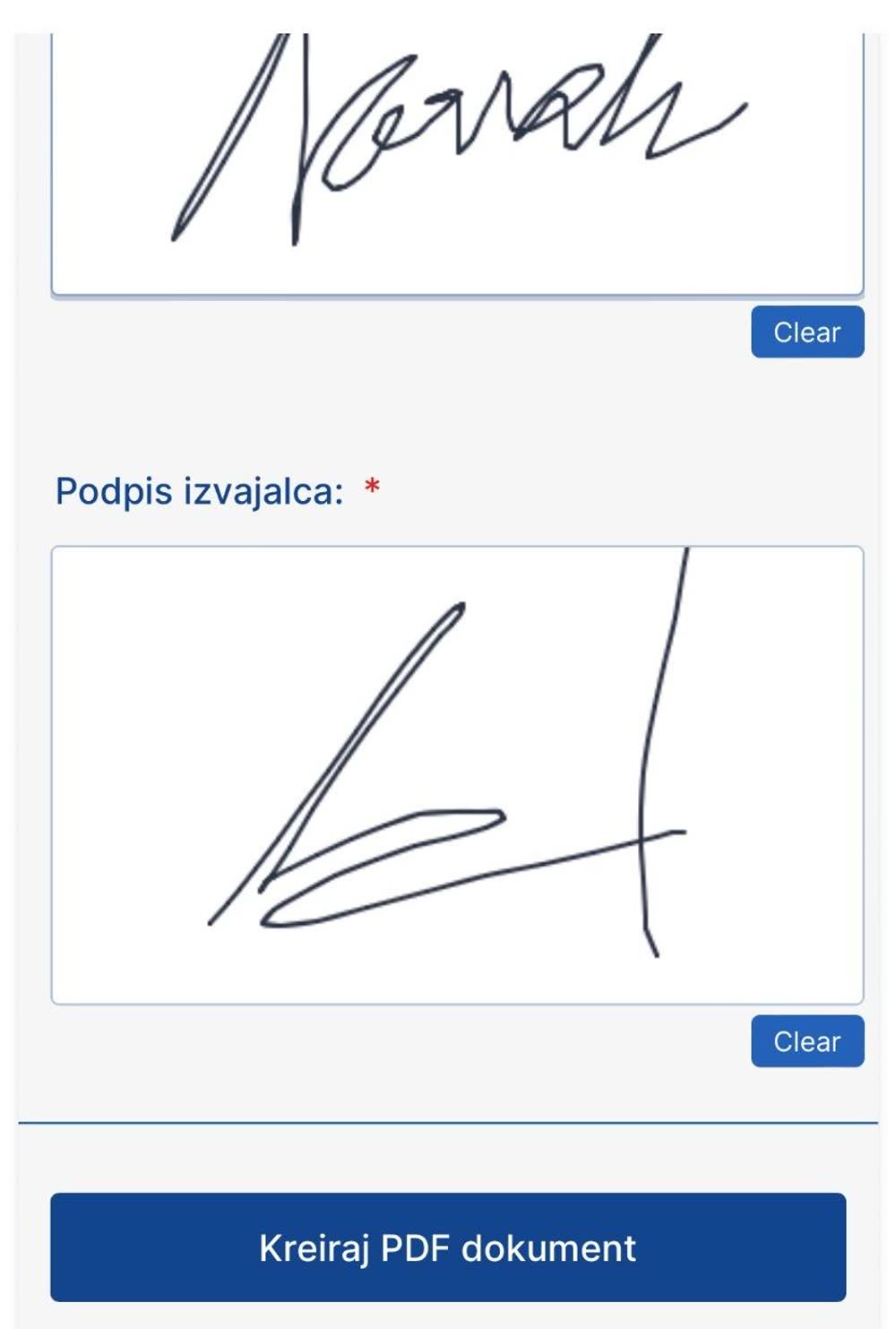
Create the PDF
When you are done, click »Create PDF document«.
Upload to FLOW
You will receive a copy of the form at the email address you entered. Upload it to FLOW (see the sub-article »Lecture summary and request submission«).
Was this article helpful?
Thanks for your feedback!