
Step-by-step instructions
Open SCOPUS
Open www.scopus.com.
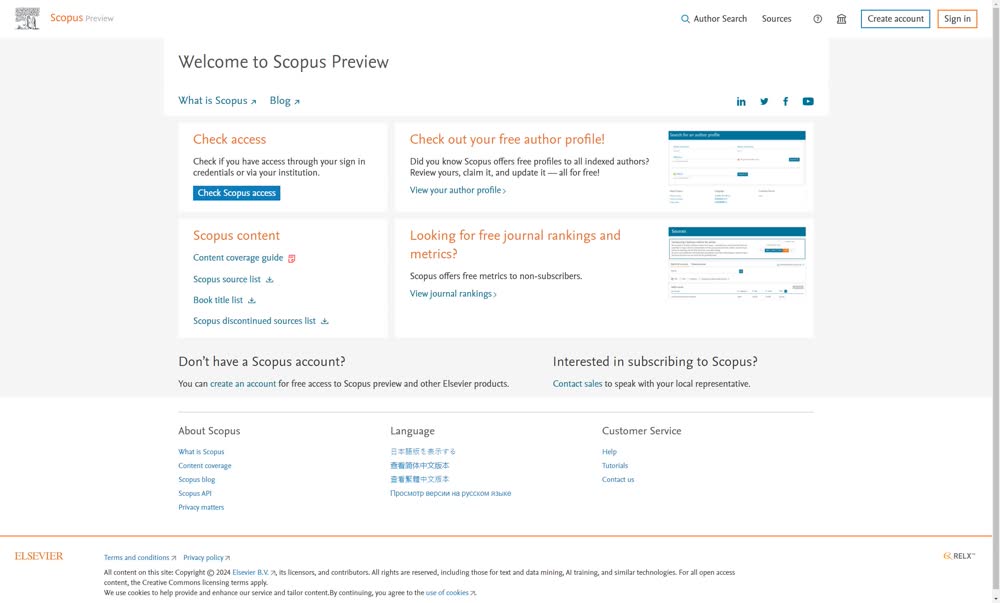
Click “Sign in”
In the top right corner, click “Sign in”.
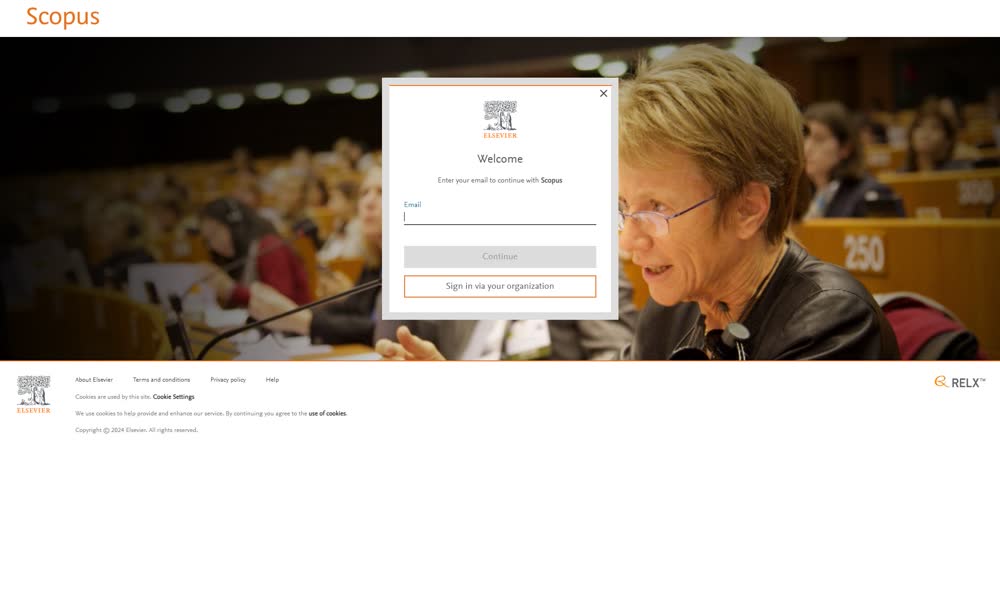
Choose organizational sign-in
Click “Sign in via your organization”.
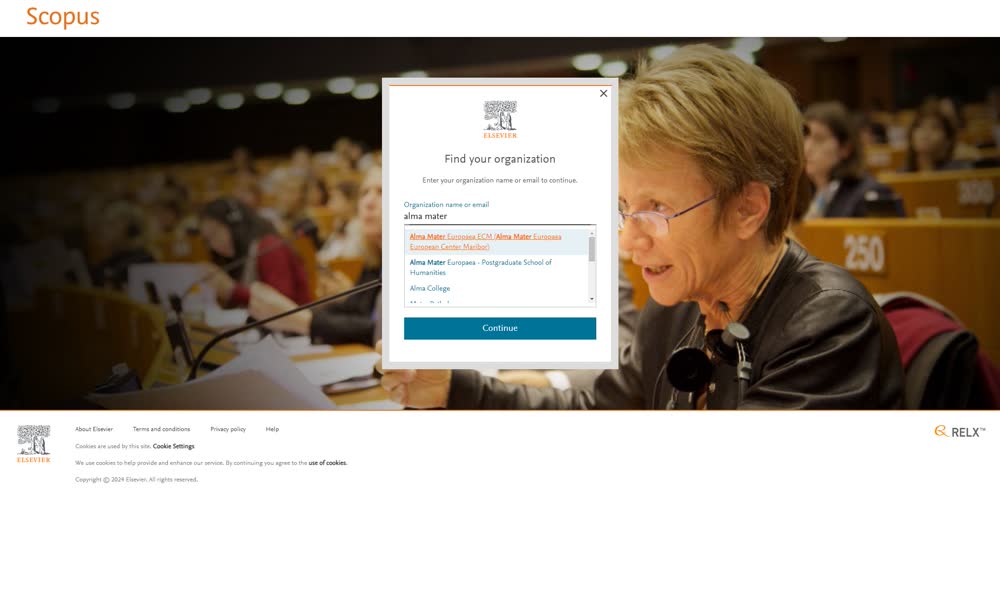
Find Alma Mater
Type alma mater and select Alma Mater Europaea ECM (Alma Mater Europaea European Center Maribor).
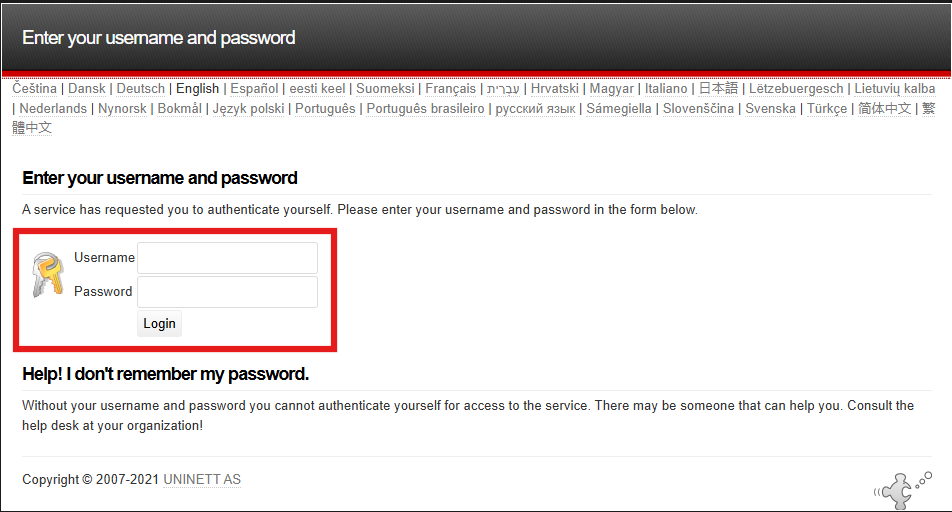
Sign in with your Alma Mater account
Enter your @almamater email address and password, then click “Login”.
Was this article helpful?
Thanks for your feedback!