
Step-by-step instructions
Open Web of Science
Open the Web of Science sign-in page.
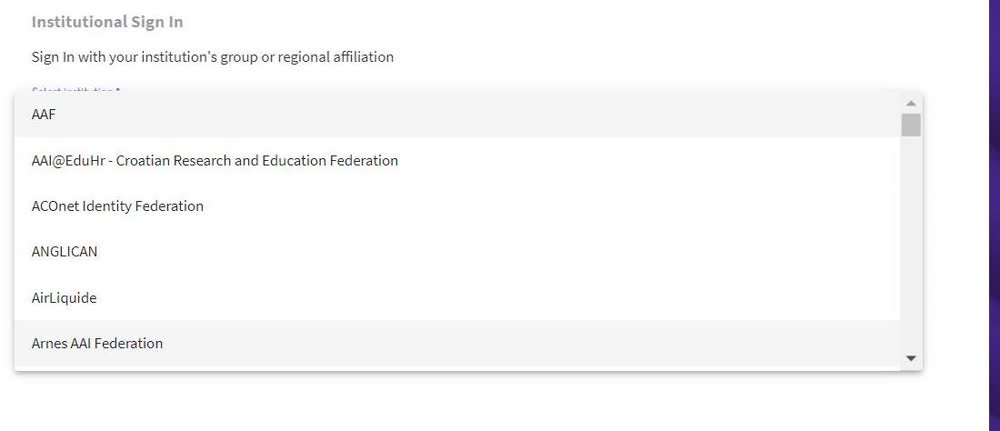
Choose institutional sign-in
Select Institutional Sign-in (Arnes AAI Federation).
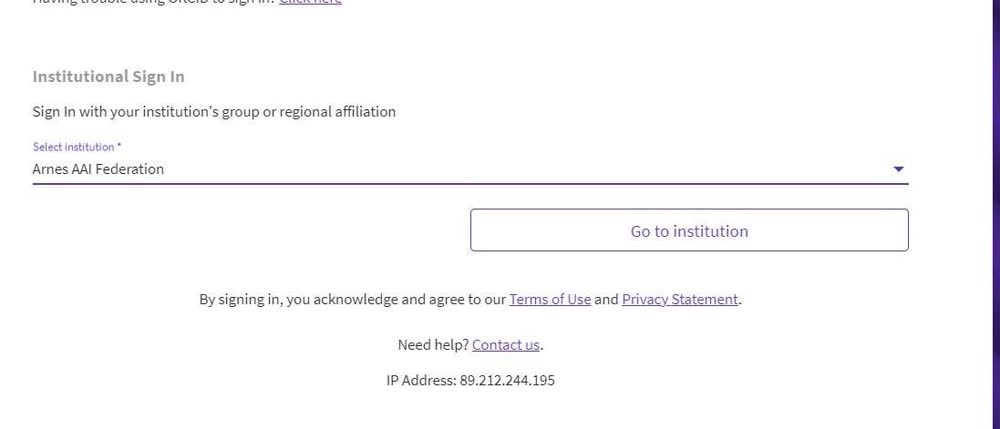
Click “Go to institution”
Click “Go to institution”.
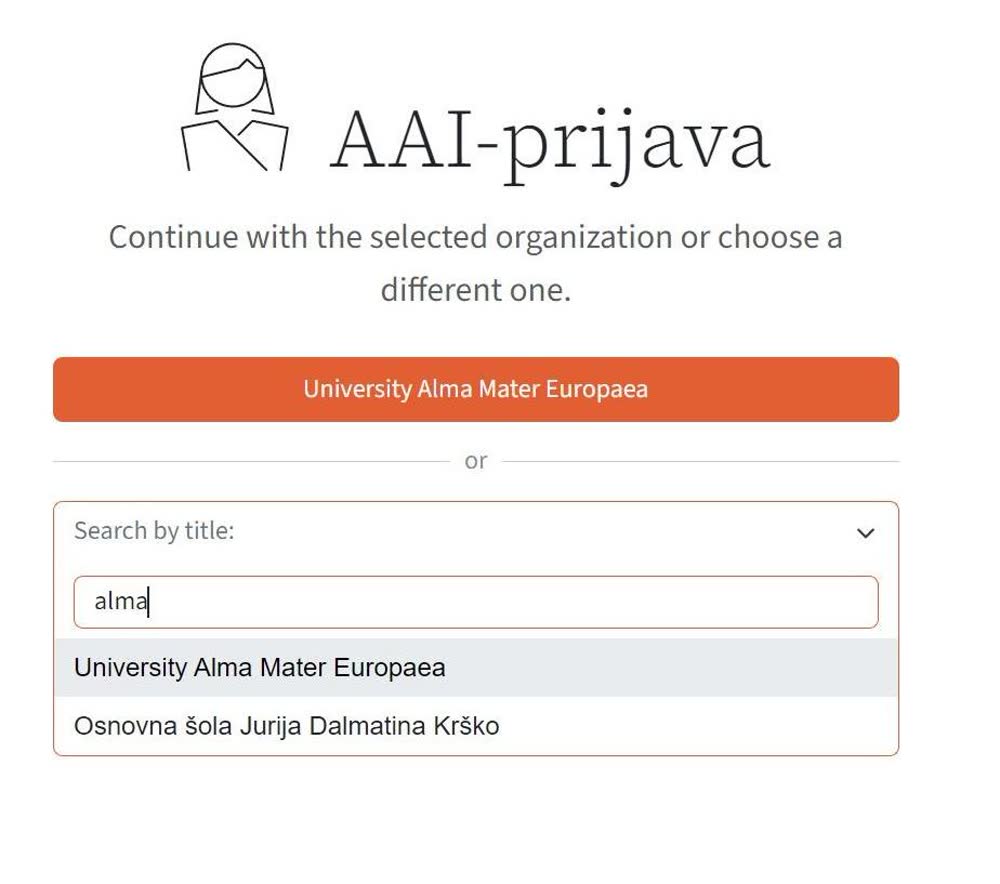
Select Alma Mater Europaea
Choose University Alma Mater Europaea from the dropdown menu.
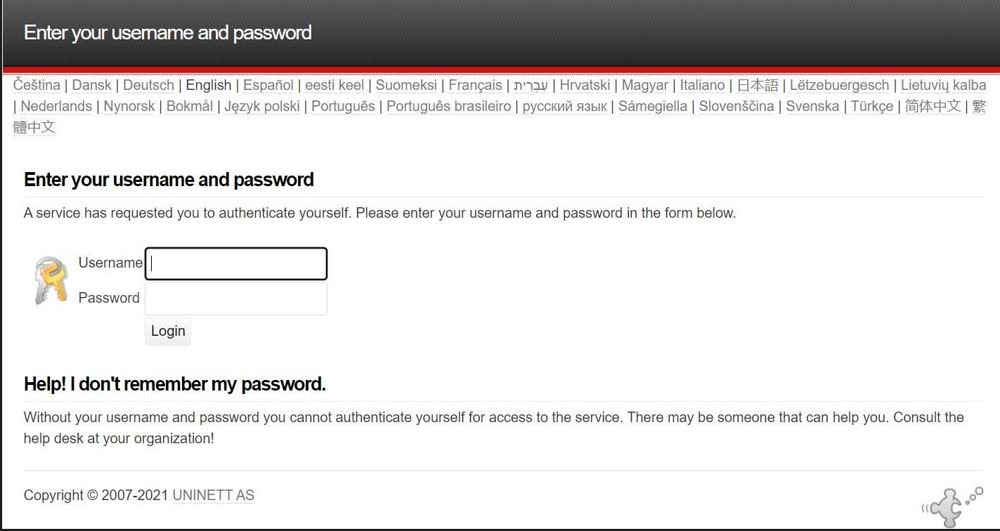
Sign in with your credentials
Use your @almamater.si credentials to sign in.
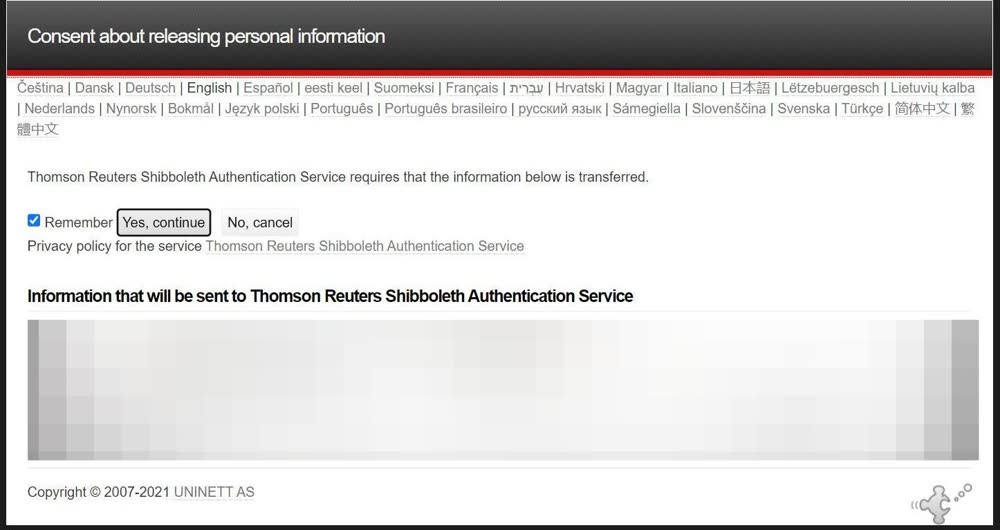
Click “Yes, continue”
Click “Yes, continue”.
Confirm you are signed in
When signed in, you will see this confirmation text in the footer of the Web of Science page.

Was this article helpful?
Thanks for your feedback!